Edit SVG by describing the change
Some changes are quicker to say than to make: recolour every box, translate the labels, add a title above the chart, make the outline thicker. Type what you want in the chat beside the editor, and the assistant reads your drawing, makes the change and shows it in the preview — then you keep it or throw it away. It works on any SVG, including one another AI wrote for you.
Opens a three-step diagram. Sign in for free, then ask "make the boxes light blue" or "translate the labels to German".
How it works
- Open or paste your drawing in the editor. On a computer the chat is the AI Chat tab beside it; on a phone it sits under the preview.
- Describe the change in your own words — "make the circles red", "add a drop shadow to all text", "move the legend to the left".
- The assistant reads the drawing, works out what to change and proposes it with a one-line summary. The preview already shows the result.
- Accept keeps the change. Reject throws it away and puts your message back in the box, so you can say it differently.
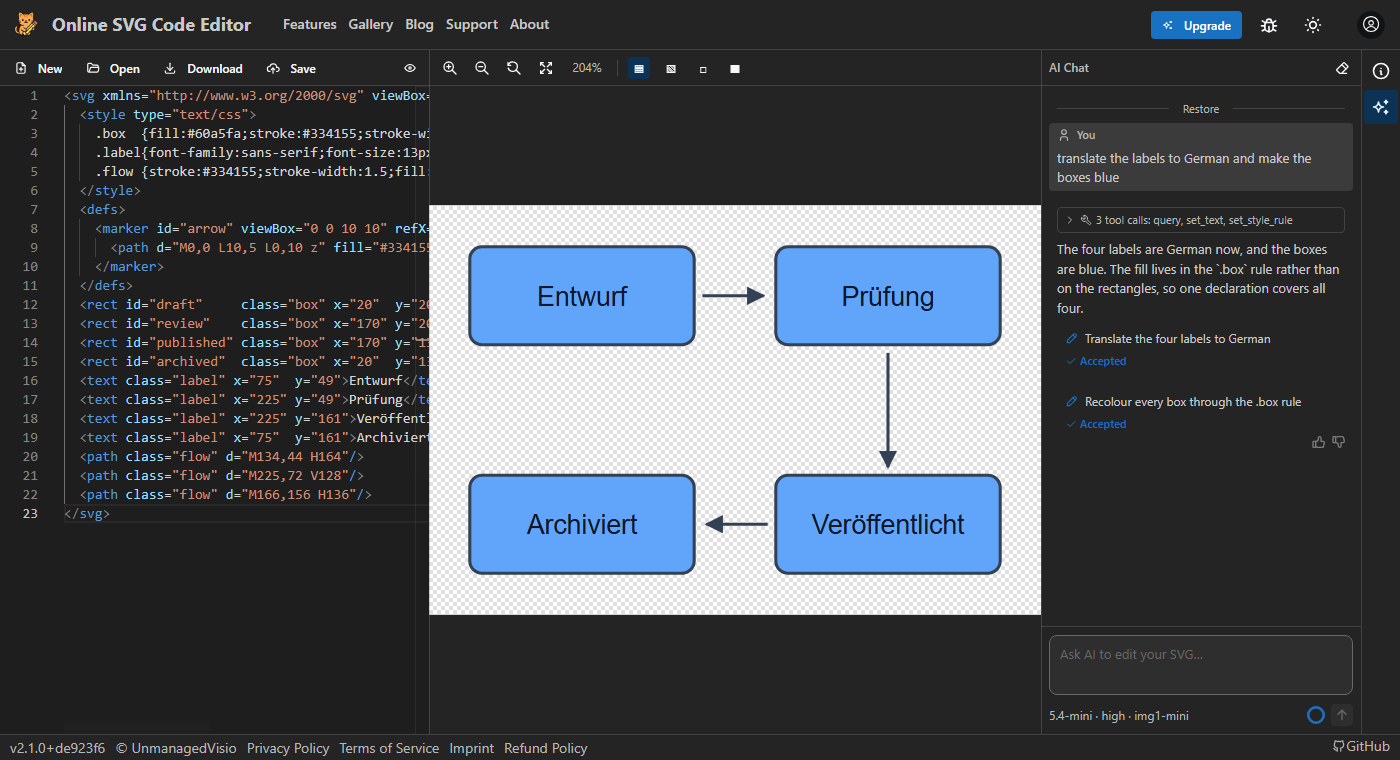
A conversation, not a one-off
Each request builds on the last, and the assistant remembers the conversation, so "now a little darker" means what you would expect. Restore, above any earlier message, takes the drawing back to how it was at that point, and clicking an earlier message lets you change it and send it again.
Replies stream in as they are written. On the models that think before answering, the reasoning shows while they work and folds away under Reasoning when the reply is done — useful when you want to know why it changed what it did.
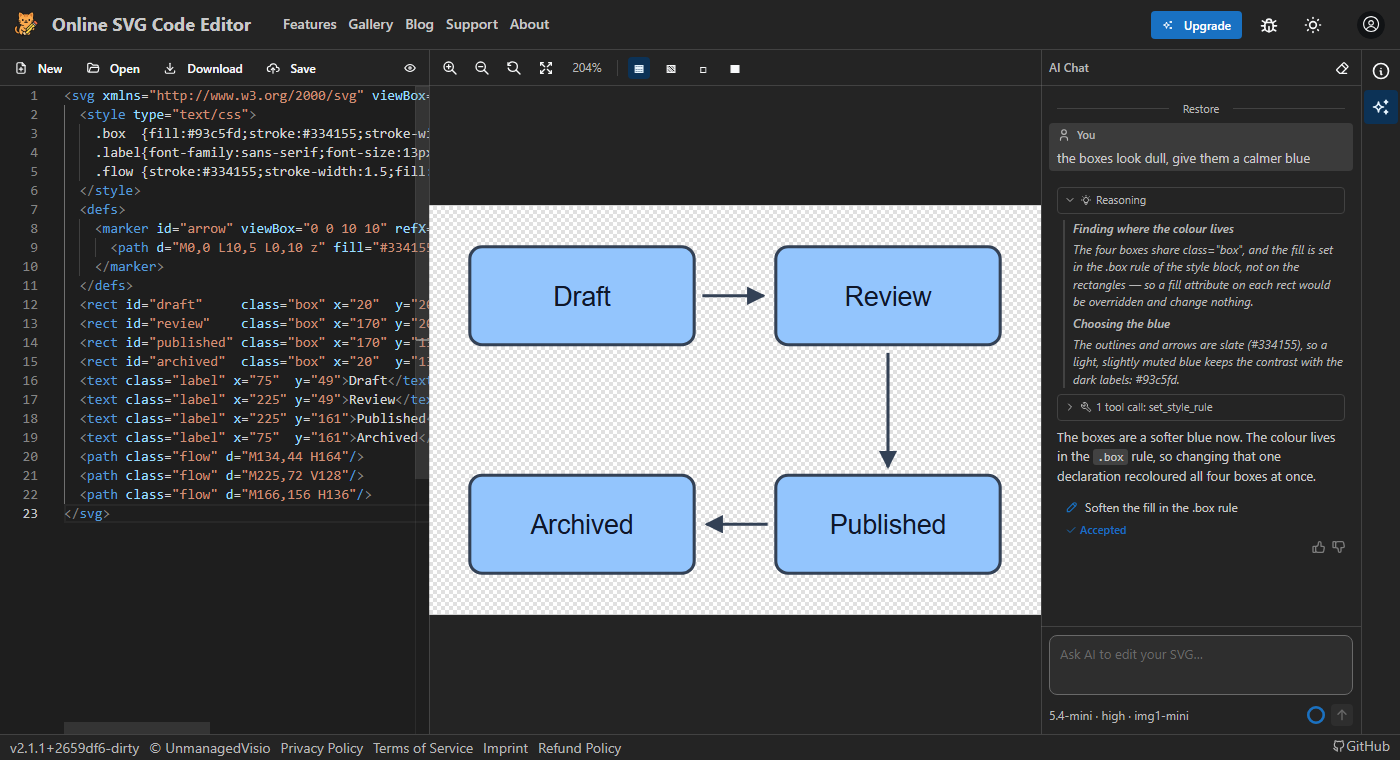
What it can change
It works on the SVG code the way a careful person would: it looks up the elements it needs, reads the lines around them, and then changes an attribute, a CSS rule or a piece of text, adds or removes an element, or rewrites a part. Because it changes only what it has to, a recolour usually leaves the rest of the file — your formatting, ids and comments — as it was.
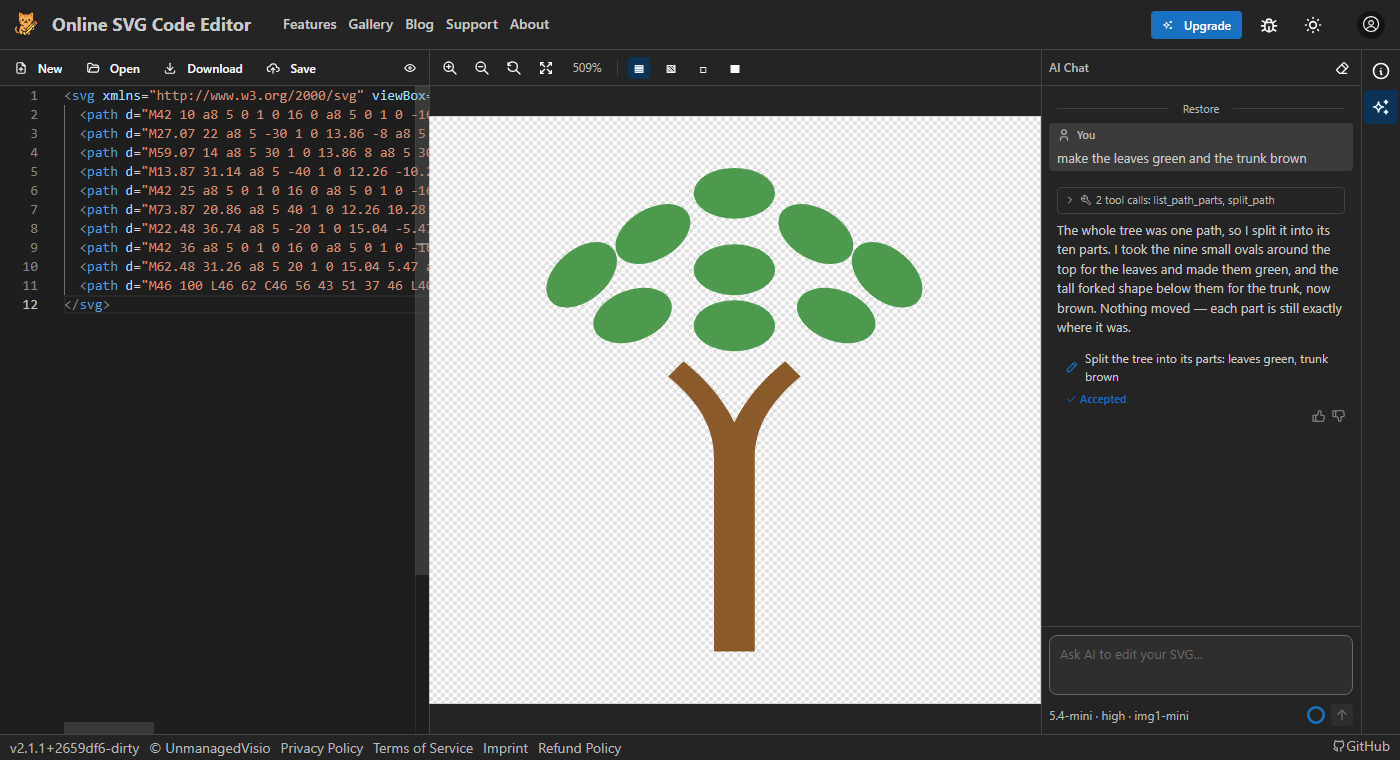
A traced drawing often keeps several shapes of one colour in a single path, so a tree's trunk and leaves can be one shape. Asked to colour just the leaves, the assistant can split the path into its parts and colour each one, and it tells you which part it took for what.
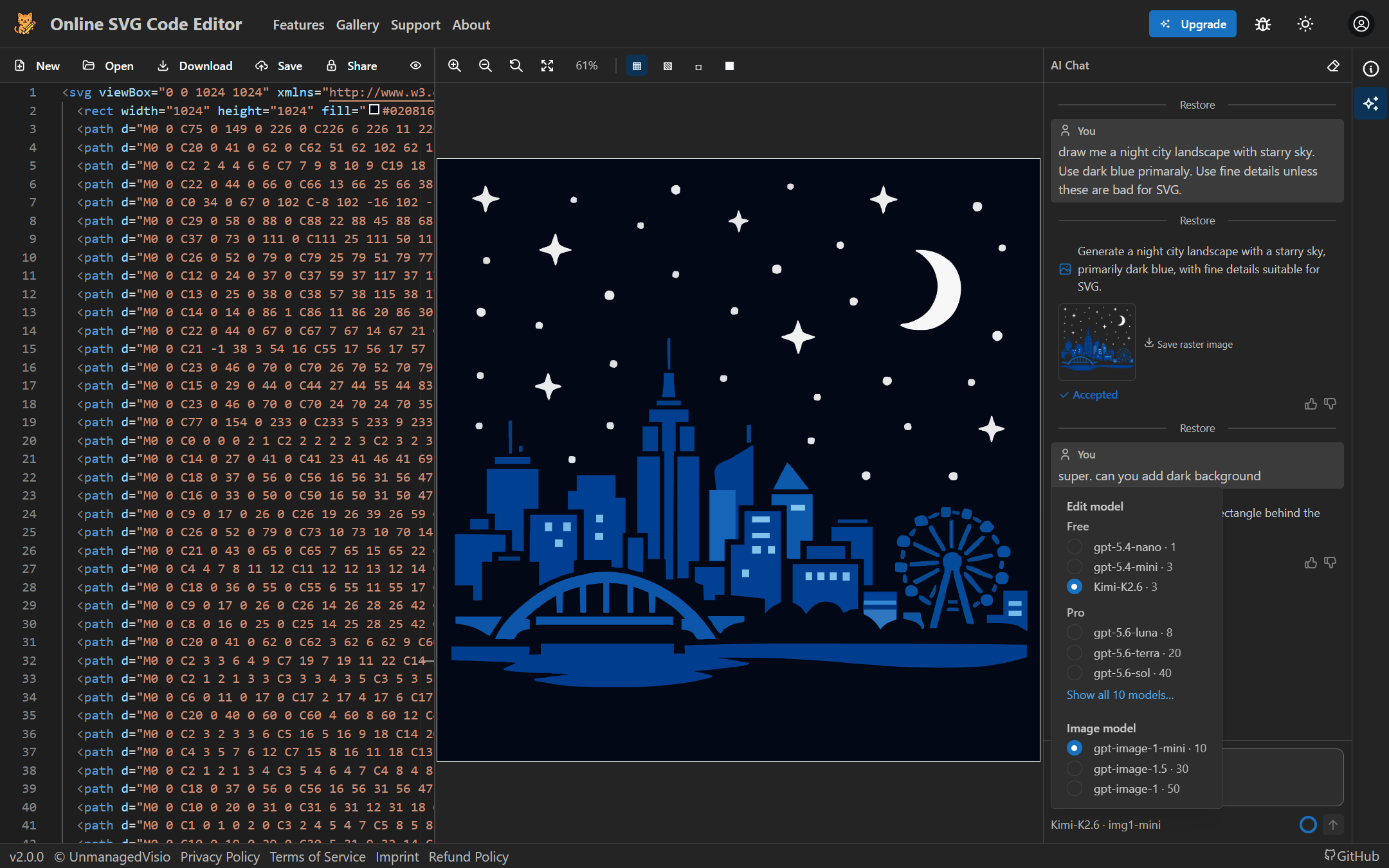
For a picture — an animal, a scene, a mascot — it can generate an image and trace it into shapes, and when you ask for a ready-made symbol it searches an icon library. Paste SVG code into the chat on its own and it simply opens in the editor, with no credits spent.
Models and credits
Every request costs credits, and how many depends on the model. A free account gets 30 credits a month and the free models: gpt-5.4-mini, the default, and qwen3.8-27b cost 3 credits a request, and gpt-5.4-nano and qwen3.8-flash cost 1. Pro adds larger models from OpenAI and Anthropic, such as claude-sonnet-5 at 20 credits, and 1,000 credits a month.
A request is charged once, however many steps the assistant takes to finish it, and a request that fails costs nothing. Some models also let you choose their thinking effort: lower is quicker for a simple change, higher is more careful with a complicated one.
Good to know
- The assistant needs a free account. You can type your message before signing in; it is sent as soon as you have.
- It reads the code, not the picture. For "the shape on the left" it works out from coordinates what is on the left, and says so when it had to guess.
- Exact geometry is where it is weakest: "make the line 25 px longer" or "line these up exactly" can come back close rather than exact. For that, change the numbers in the code.
- In a very large drawing the assistant reads the parts it needs rather than the whole file. Embedded images and fonts are passed over and kept exactly as they are; it cannot see inside them.
- On the free plan, a conversation that grows very long asks you to start a new chat on the drawing.
- A change waits for you: until you accept or reject it, the next message cannot be sent.
Questions
Is it free?
A free account gets 30 credits every month — about ten requests with the default model. More credits come in packs, or with Pro.
Can it break my file?
Nothing changes until you accept it, and Restore takes the drawing back to any earlier point in the conversation. A change that would leave the SVG broken is flagged in red, with rejecting it marked as the safe choice.
Does it work on SVG from ChatGPT or another tool?
Yes. It works on any SVG: paste it into the editor, or into the chat on its own, and then ask for the change.
Which model should I choose?
Start with the default. If a change needs more care — a busy drawing, several steps at once — try a larger model or a higher effort.