Autocomplete and documentation for every SVG element
SVG has dozens of elements and hundreds of attributes, and nobody remembers which attributes <feTurbulence> takes or what preserveAspectRatio accepts. The editor knows: it suggests the elements allowed where you are typing, the attributes of the element you are in, and the values an attribute can have, and it explains any of them when you hover.
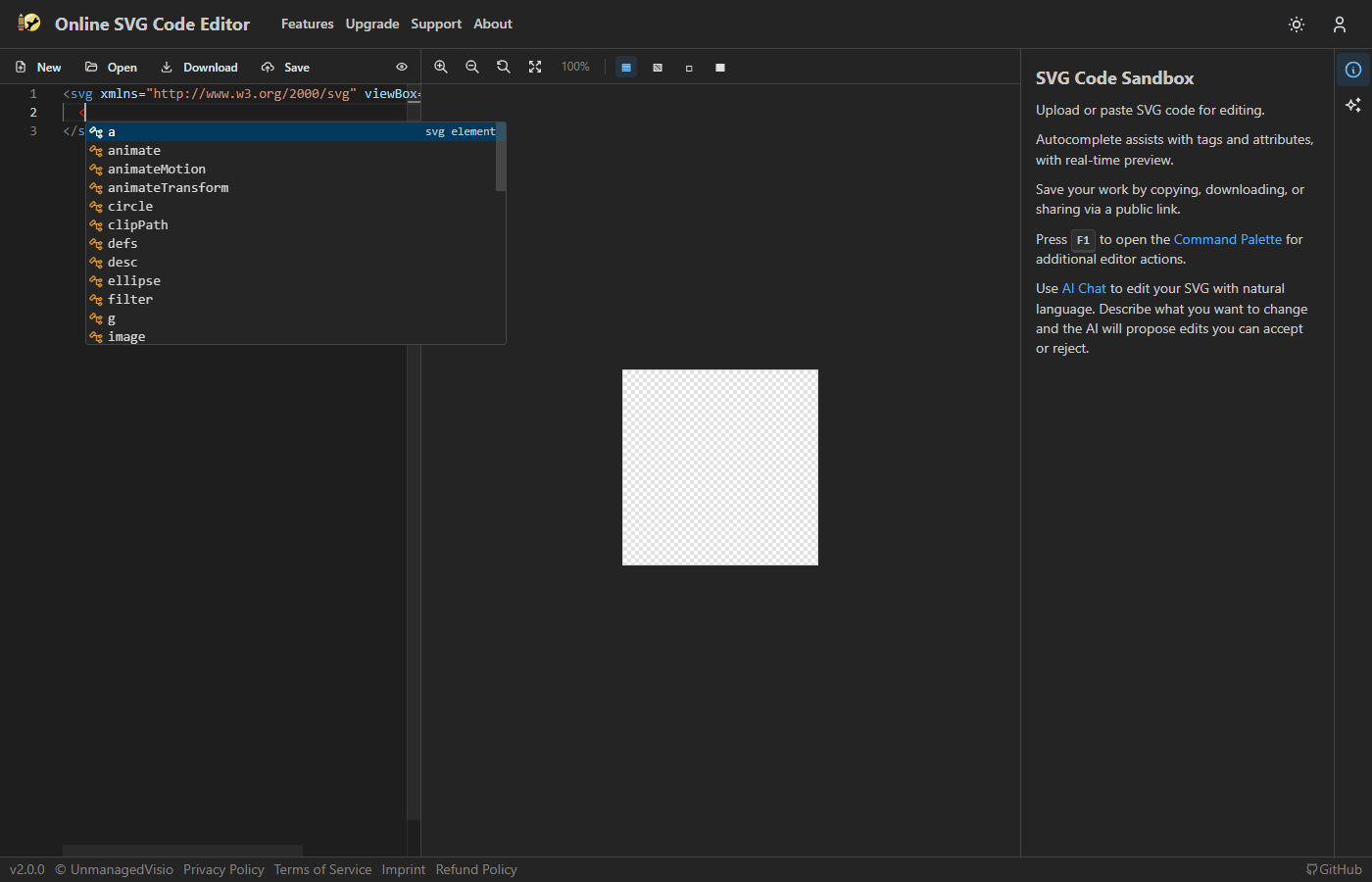
Opens two shapes. Start a new line before </svg> and type < for the elements allowed there; inside a tag, press space for its attributes; hover over a name to read about it.
Elements
Type < and the list shows the elements allowed inside the one you are in — inside <filter>, the filter primitives; inside <linearGradient>, <stop> and the animation elements. Pick one and it is written out with its closing tag, or as a self-closing tag when it takes no children. The list covers 82 elements, including the deprecated ones, which are struck through and sorted last.
Attributes and their values
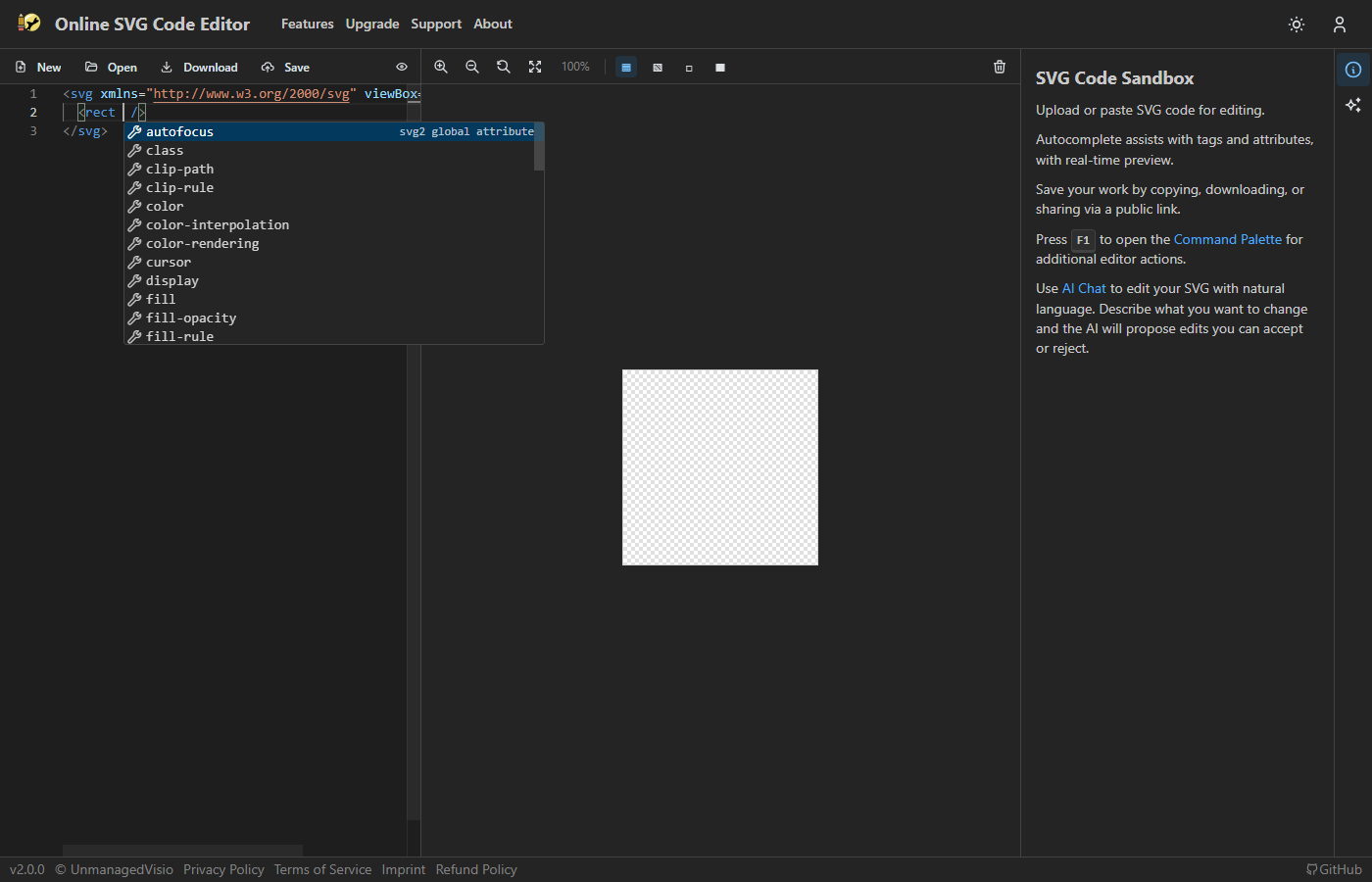
Inside a tag, a space or Ctrl+Space lists the attributes that element takes — for <rect>, x, y, width, height, rx and the rest — leaving out the ones it already has. Choosing one writes name="" with the cursor between the quotes.
Inside the quotes, attributes with a fixed set of values offer them: stroke-linecap gives butt, round and square. Colour attributes such as fill and stroke offer the named colours, none and currentColor, and rgb(), hsl() and url() templates. Inside a path's d, the 20 path commands come as templates with each number labelled.
Documentation on hover
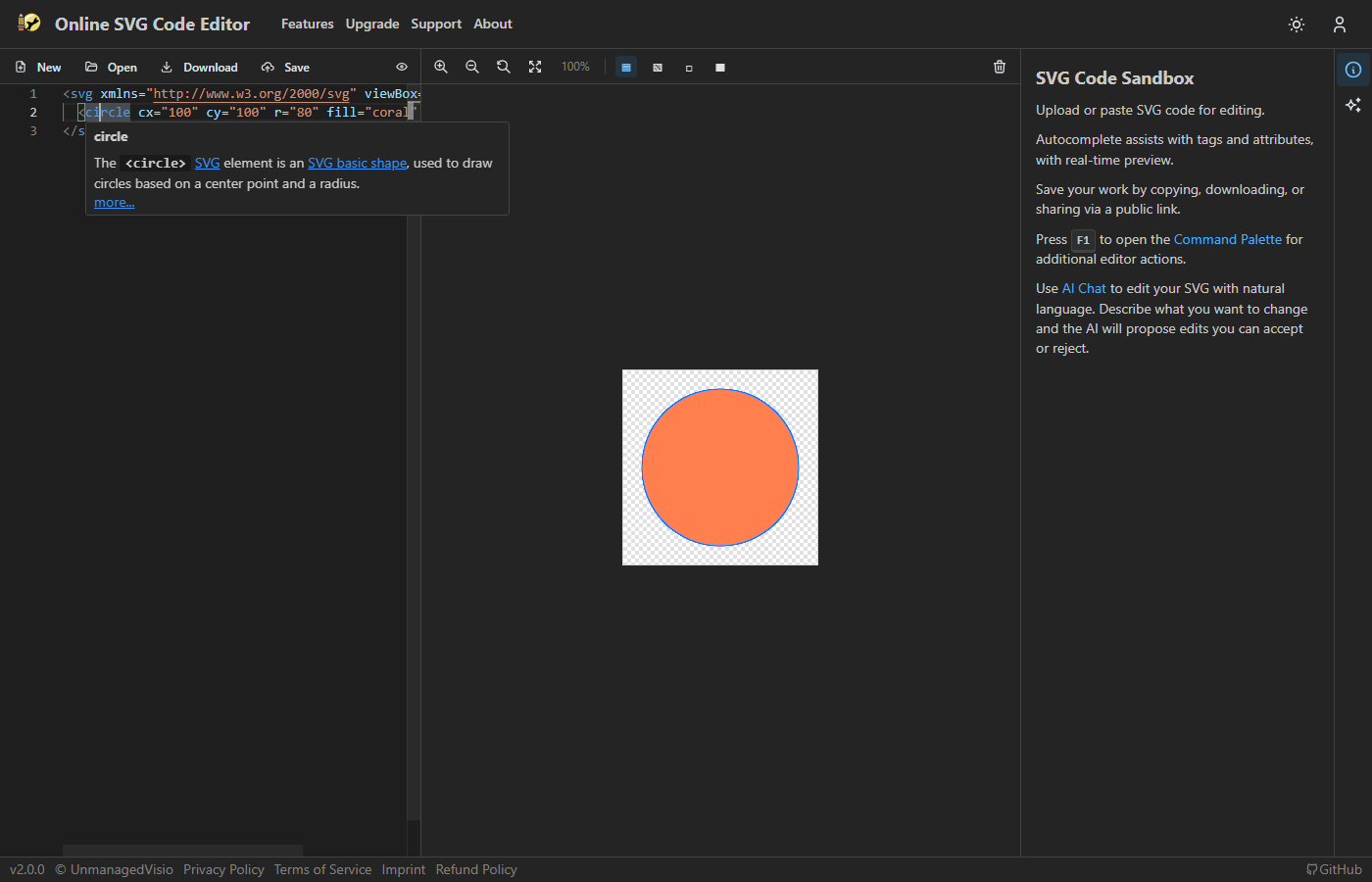
Hover over an element or attribute name to read what it does, with the values it accepts and a link to its full page on MDN. Over 700 element–attribute pairs have a description of their own.
Good to know
- The suggestions come from the SVG 1.1 schema with the SVG 2 additions browsers support, such as
hrefandfeDropShadow. Newer SVG 2 elements that browsers never shipped, likemesh, are not offered. - Values are suggested inside double quotes. CSS inside a
<style>element gets no suggestions. - At the very top of an empty document nothing is offered: start with
<svg>, and the suggestions begin inside it.
Questions
Where do the descriptions come from?
From MDN's SVG reference, linked from each description so you can read the full page.
Can I open the list without typing?
Yes: Ctrl+Space opens it wherever you are.