Live preview, with click-to-code
The drawing sits beside its code and redraws a moment after you stop typing. Click a shape in the picture and its code is selected; put the cursor in the code and its shape lights up. Zoom in on detail, and switch the background to see exactly what is transparent.
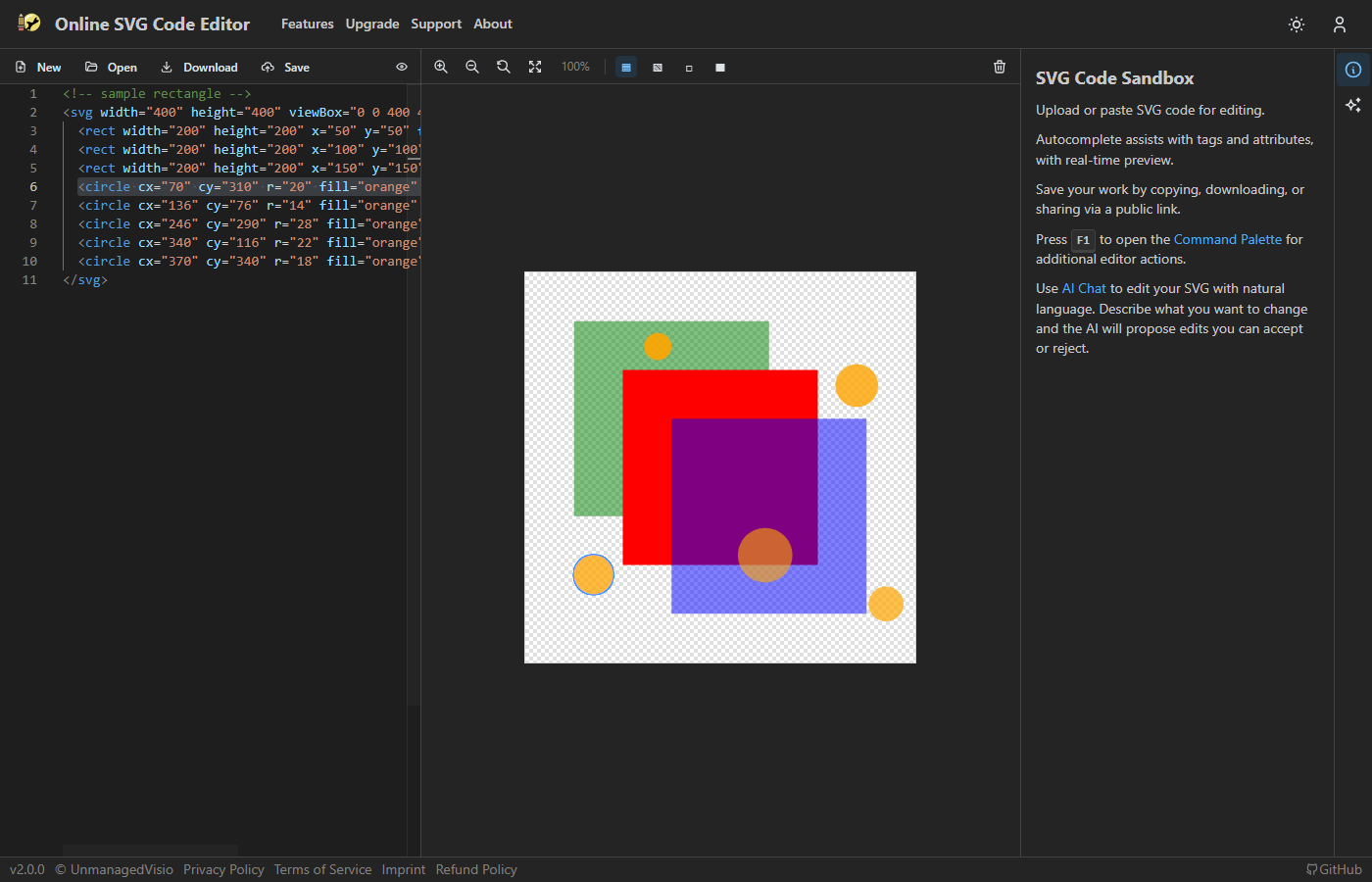
Opens three half-transparent circles. Click one to find its code, Ctrl+scroll to zoom, and switch the background to see what shows through.
Click a shape, find its code
Click a shape in the preview and the editor selects its element; hovering highlights a shape before you click. It works the other way too: move the cursor in the code and the element under it glows in the picture, which is the quickest way to find out what a line draws. Ctrl+click picks several shapes.
With a shape selected in the preview, Del removes its element from the code, and Ctrl+Z puts it back.
Zoom and backgrounds
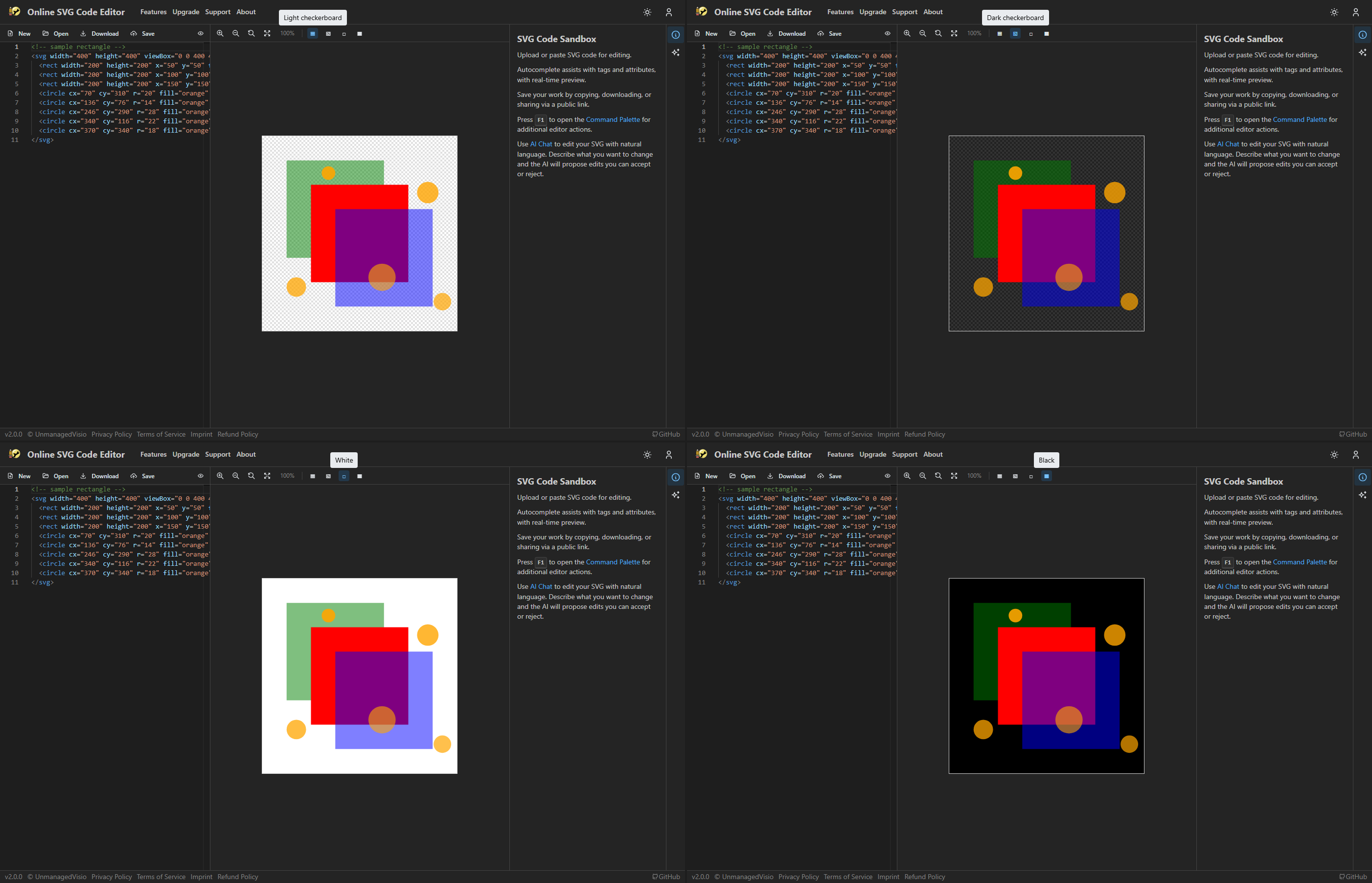
Zoom with the toolbar or with Ctrl and the scroll wheel, from 1% up to 5000% and beyond, keeping the middle of the view where it was. Fit to window shows the whole drawing, and the right mouse button drags the view around. A drawing larger than the pane is fitted when it opens.
The background can be a light or a dark checkerboard, white or black. The checkerboards show what is transparent; the solid ones show how a drawing looks on a light or a dark page.
Safe to open anything
An SVG can carry scripts. The preview removes them, and event handlers and embedded HTML with them, before drawing — in the picture only. Your code, the saved file and every download stay exactly as you wrote them. A drawing's own CSS is kept, and is contained so it cannot restyle the page around it.
A drawing with no viewBox, or with shapes outside its own bounds, is still shown whole, sized from what it actually draws.
Good to know
- Clicking selects the shape itself. To select a group, put the cursor on its tag in the code.
- The preview redraws 300 milliseconds after you stop typing, not on every key.
- The background choice resets when the page is reloaded.
Questions
Why does my drawing show here but not in my app?
The preview reads markup the forgiving way a web page does, so an SVG missing its xmlns declaration, for example, still shows. A standalone .svg file or an <img> needs it. Exporting the drawing as a data URI adds what is missing.
Can a pasted SVG run code on the page?
No. Scripts and event handlers are removed before the preview draws it.